In the application:
-
Go to the Campaigns tab.
-
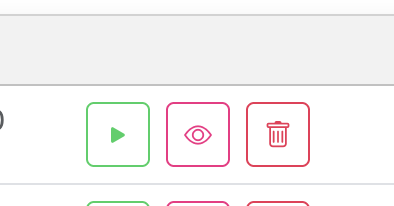
Click the Pause button to temporarily deactivate it.
-
Click the eye icon (on the right) to edit the campaign.

In the application:
Go to the Campaigns tab.
Click the Pause button to temporarily deactivate it.
Click the eye icon (on the right) to edit the campaign.